Today’s lesson was simple and upon further realization is vital to a future animation that I wish to complete. I had to import a Photoshop file into animate and that is what I did. I first selected a Photoshop file that I had worked on previously…
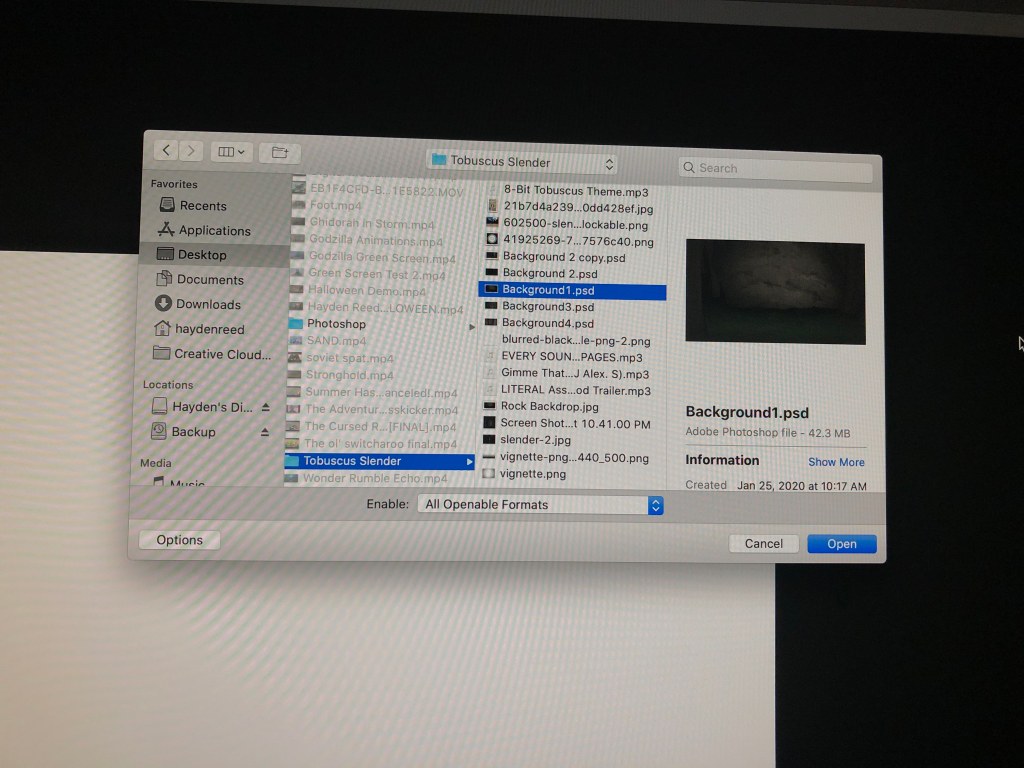
After selecting the file I chose to have all layers transferred over as they were on the PSD…
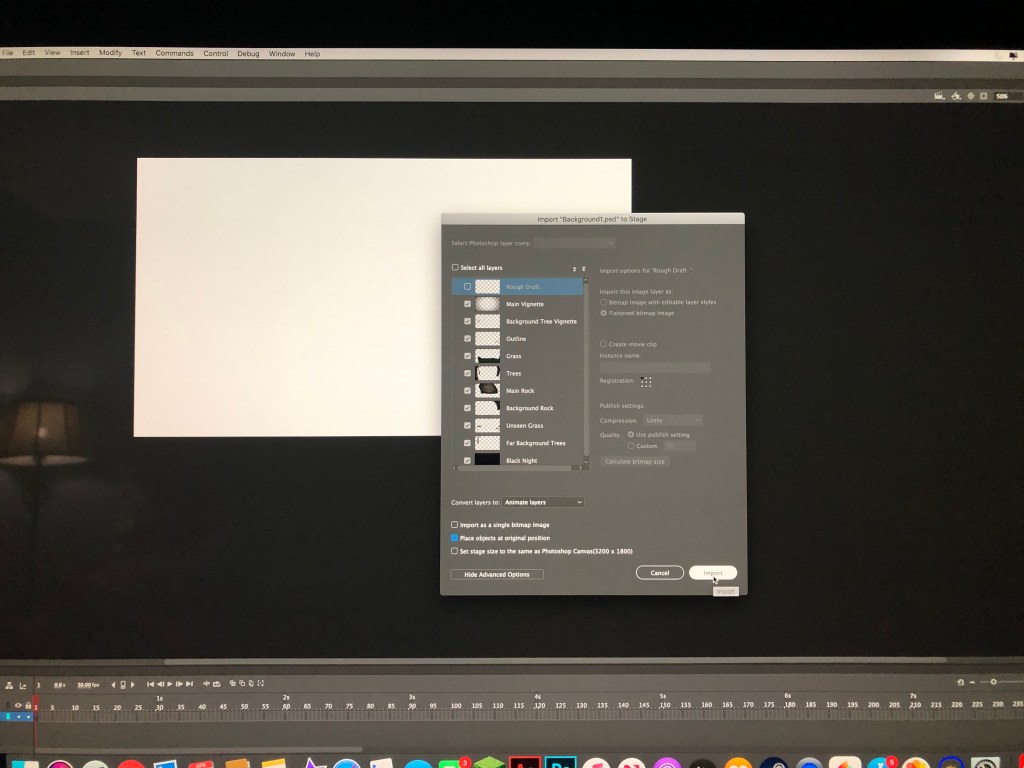
With a click the file was imported into the timeline…
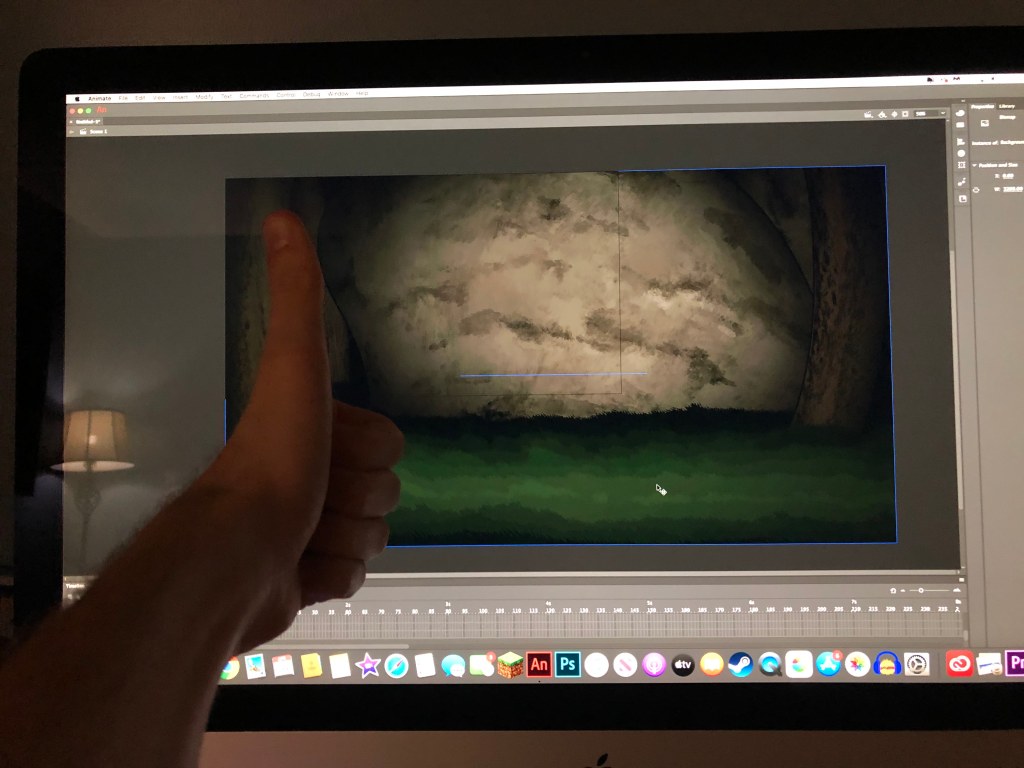
I have had a 2D animation planned for months and once other upcoming projects are finished, I can finally attend to it as planned. The image on screen is a background created for said animation.
 Hayden's Digital Design Portfolio OwO